Get the app

Get VetGnosis on your Android phone.

VetGnosis is coming soon to Google Play. Until then it is available now by request: support emails you the installation file and you install it directly. It takes a few extra taps until then.

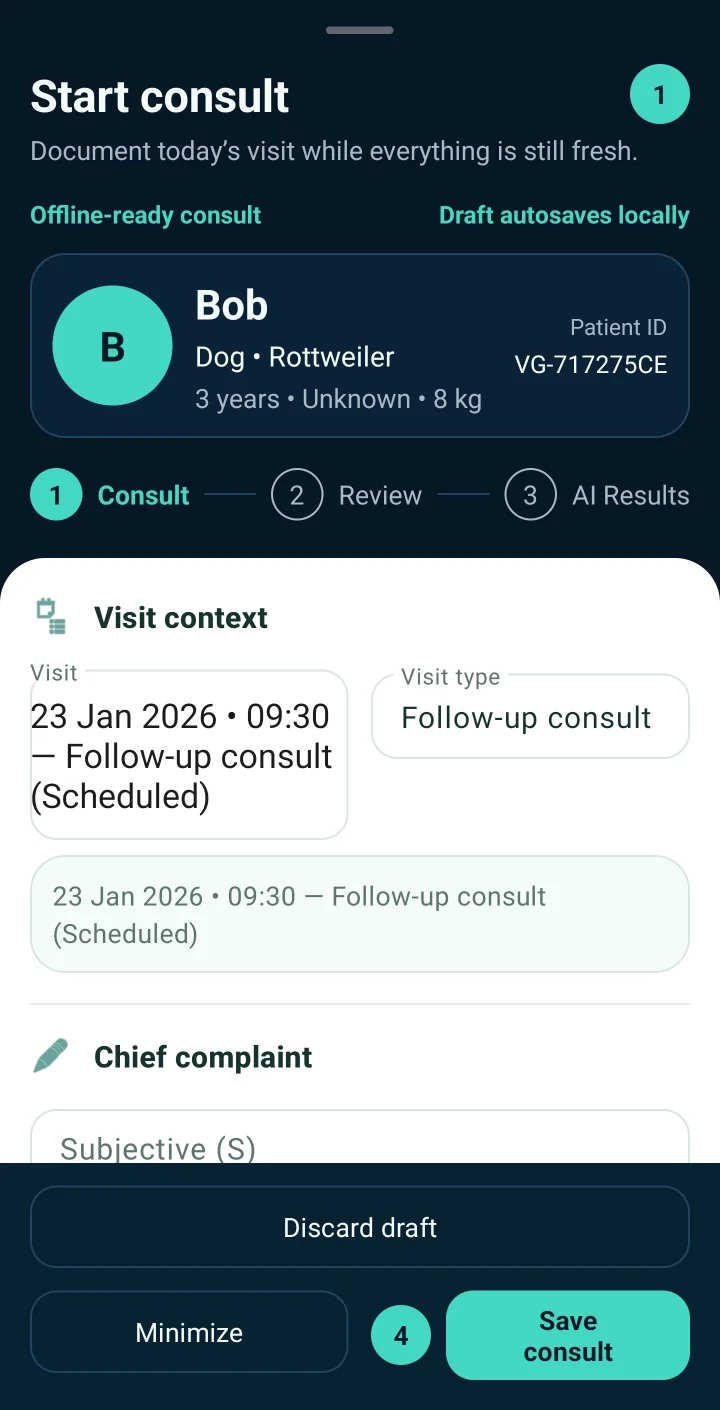
VetGnosis Start consult screen with the patient Bob, visit context and chief complaint fields.

Two ways in

Coming soon

Google Play

Install and update VetGnosis from the Play Store like any other app, with no warnings to work through. The Play Store version will let you subscribe and buy credit packs inside the app, billed and managed by Google Play.

Need it today? Use the request route today. Your plan and credits belong to your account, so they come with you to the Play Store version.

Available now

By request, with PayPal for paid plans

Support emails you the installation file. Use it free, or pay for Basic or Pro through PayPal or a clinic invoice and support activates your plan manually within 24 hours after payment verification.

Request the app

Your plan and AI credits belong to your account, not to the copy of the app on your phone, so they stay with you whichever way you install.

How to start today

Both paths start with the same account you will use on Google Play.

Free

  1. Create your account. Sign up on this website with your work email. No payment details are needed.
  2. Request the app. Email support@vetgnosis.app from the same address and ask for the free version.
  3. Install and sign in. Follow the installation steps below, then sign in with the same email and password.
  4. Verify your phone number in the app to unlock your five one-time AI differential credits.

Basic or Pro

  1. Create your account on this website, or log in if you already have one.
  2. Pay with PayPal from your account page, entering your VetGnosis account email in the PayPal notes. Clinics can request an invoice instead.
  3. Request activation and the app in one email. Include your payment reference. Access and credits are activated manually within 24 hours after payment verification.
  4. Install and sign in with the same email and password.

Installing the file support sends you

Until VetGnosis is on Google Play, you install it directly from a file. Android treats any app from outside Google Play with extra caution, so expect a warning. The exact wording depends on your phone and Android version.

Only install VetGnosis from a file sent by support@vetgnosis.app. If you receive it from anywhere else, or something looks different, email support before installing.

  1. Open the file on your phone. Download the VetGnosis file from support's email and tap it to open.
  2. Allow the install if Android asks. Android may ask you to let your browser, email or Files app install unknown apps. Allow it for that app; you can switch it off again afterwards in Settings.
  3. Scan the app when Play Protect warns you. Play Protect may say it does not recognise the app or its developer. That is expected for an app installed outside Google Play. Choose to scan the app, and when the scan finishes, choose to install.
  4. Open VetGnosis and sign in with your account email and password.

After the five credits

Nothing locks. Records, consults, vitals, appointments, attachments, exports and backups stay available on the free plan with no time limit. Choose Basic or Pro when you want a monthly AI allowance and the invoicing tools.

See plans and prices

Stuck on a step?

Email support@vetgnosis.app with your phone model and what you see on screen. Evaluating for a practice? Book a demo and we will walk through it with you.